MoveWise
Increasing daily movement by 35%
Overview
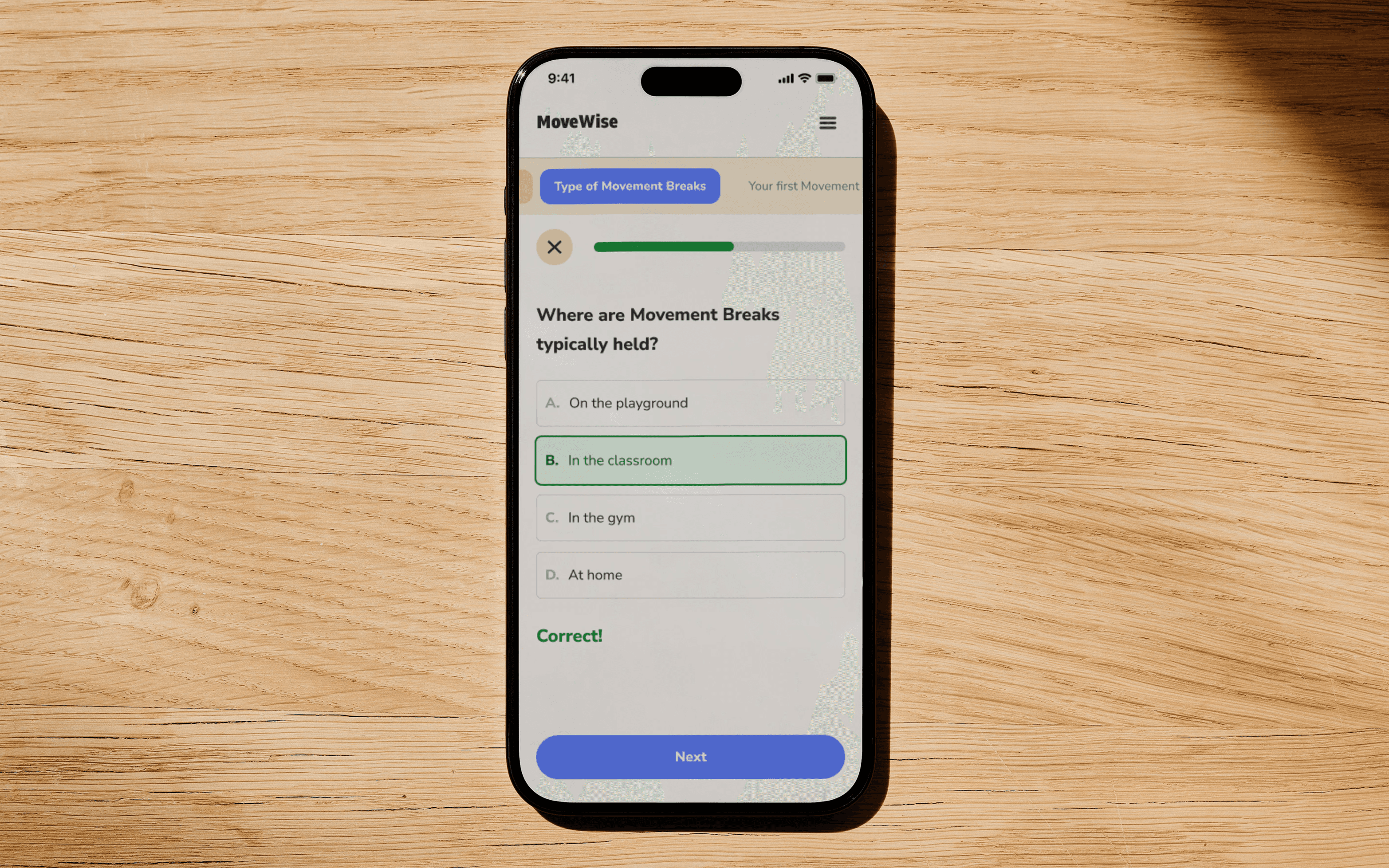
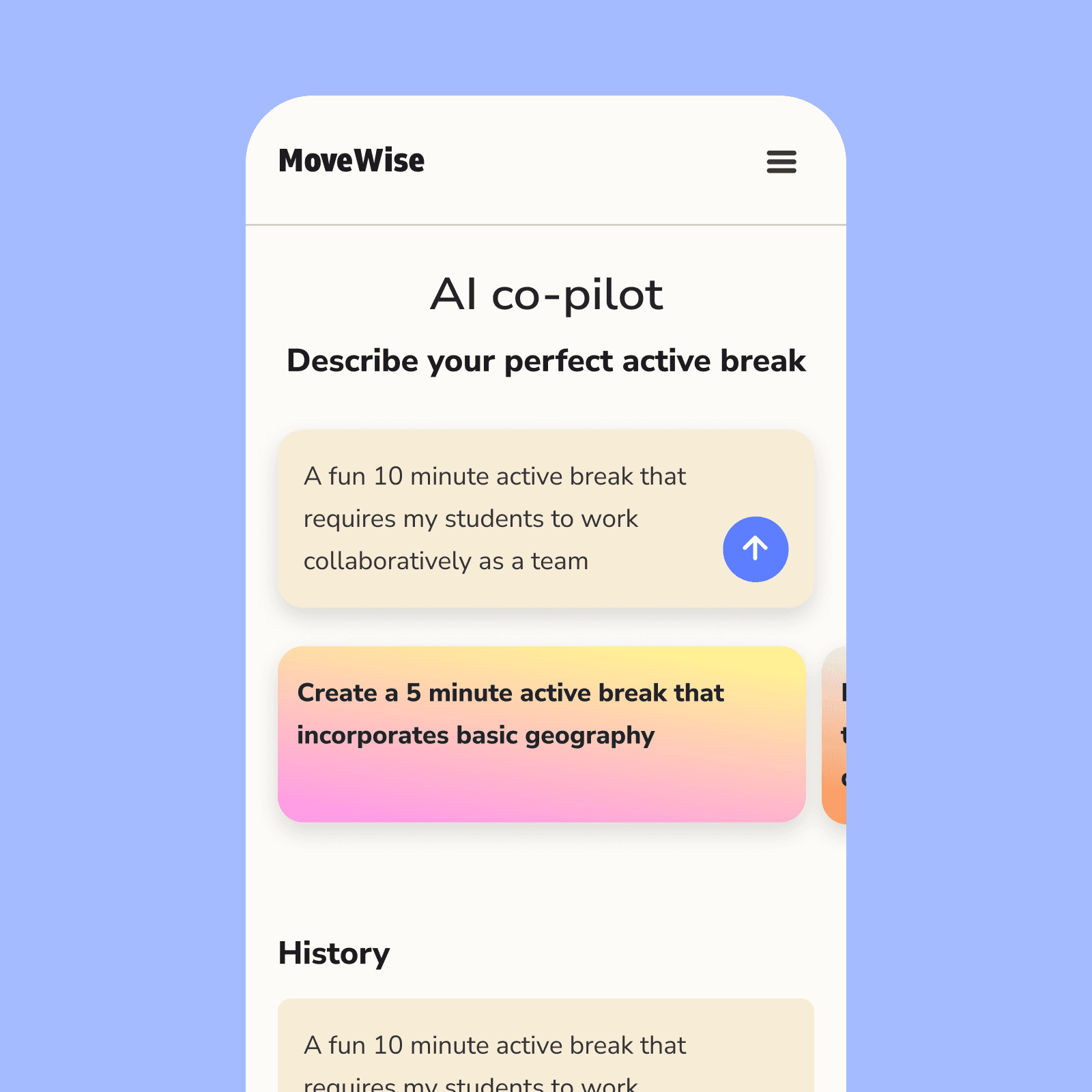
We built a web-app that helps teachers bring more physical education into their everyday curriculum
Process
We spoke with teachers to learn about their contexts and how our app could be more meaningful for them
Low digital literacy
The teacher demographic ranges in background, age, and experience. We should design with the goal of accommodating those with low digital literacy.
Competing priorities
Teachers are already stretched thin. We must acknowledge the platform will not rank high amongst their priorities.
Key Design Decisions
We made key UX decisions that were informed by our user insights
1/3
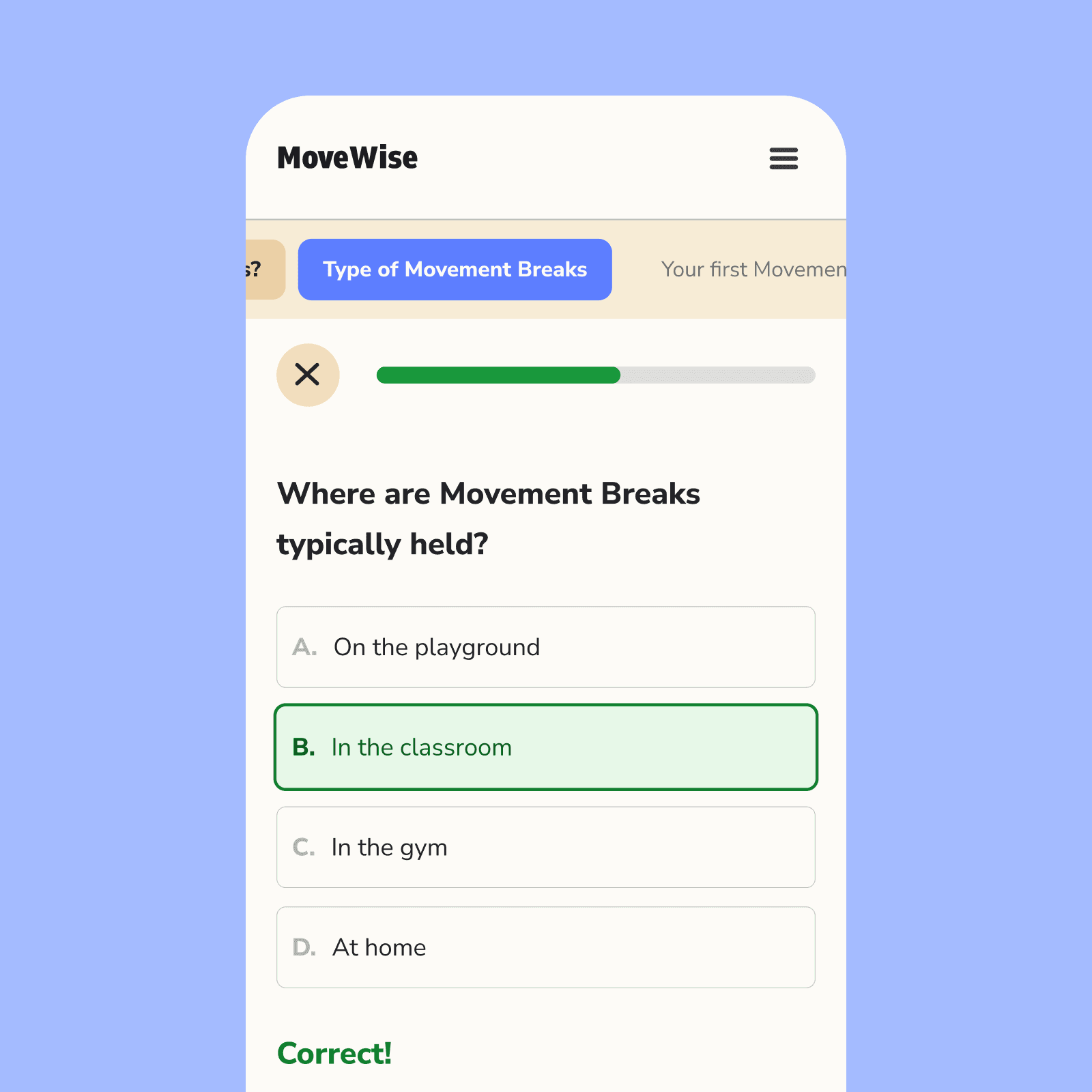
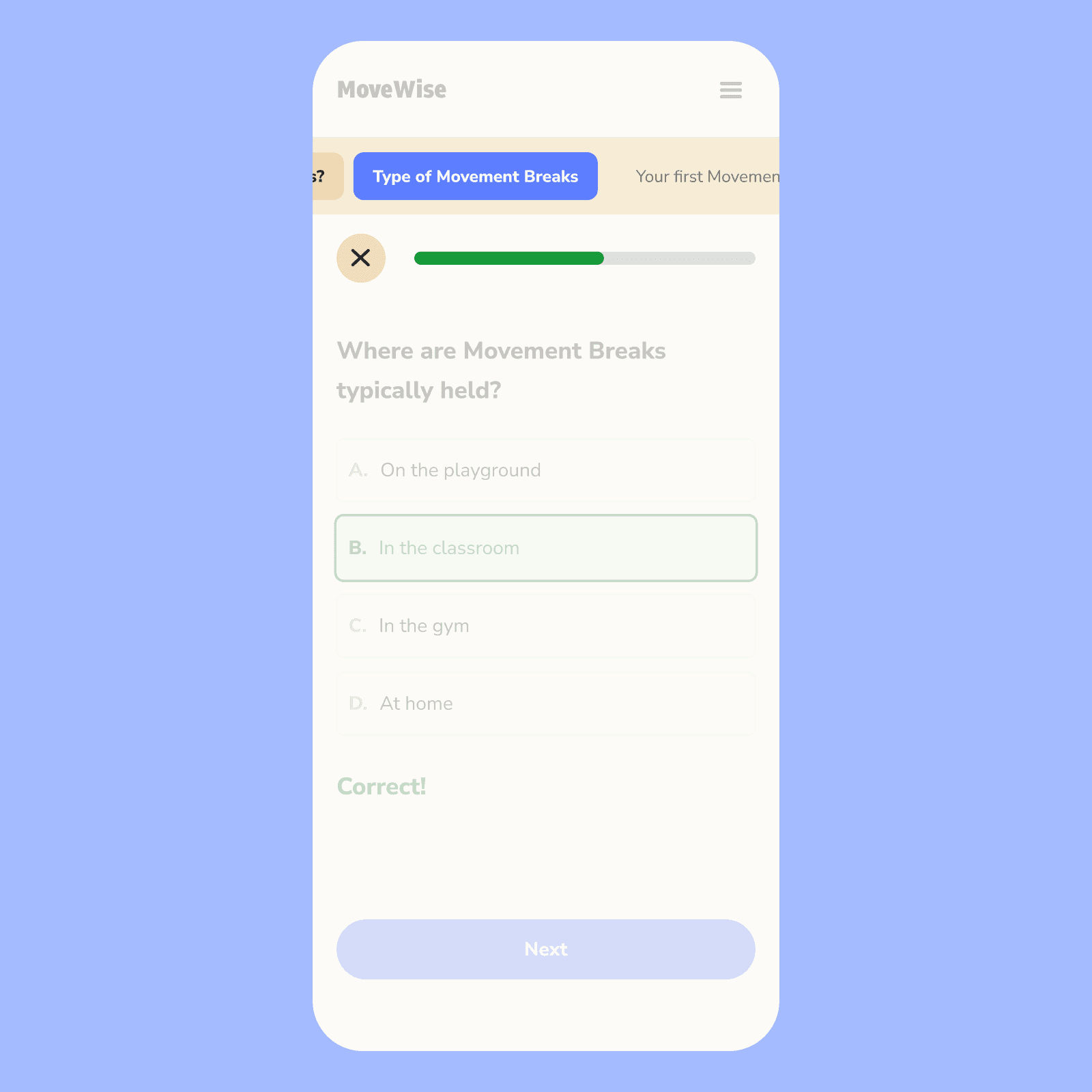
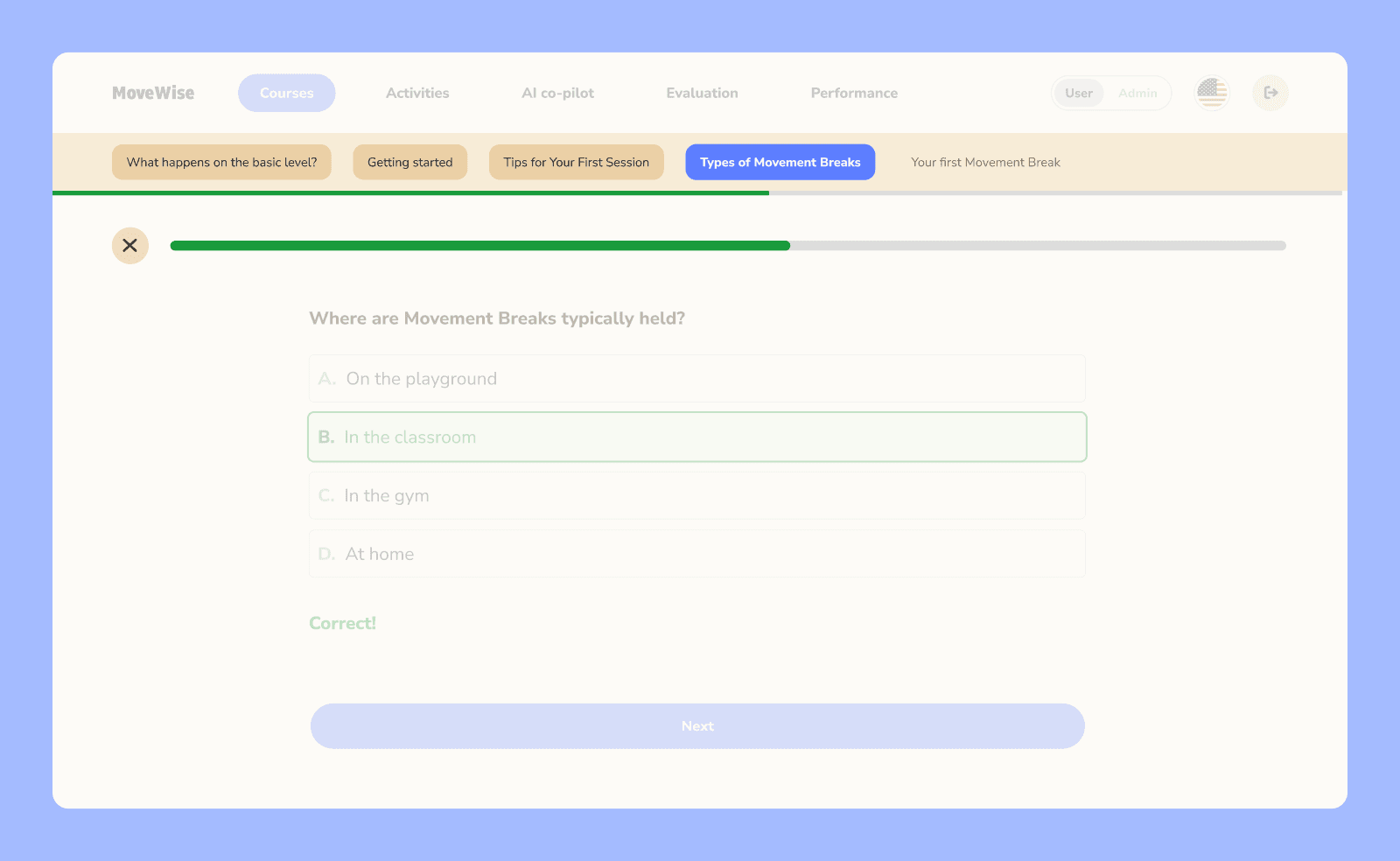
Feel in control of your progress
We compressed lessons to under five minutes and made the user's progress visible, giving teachers a sense of control and forward momentum.
2/3
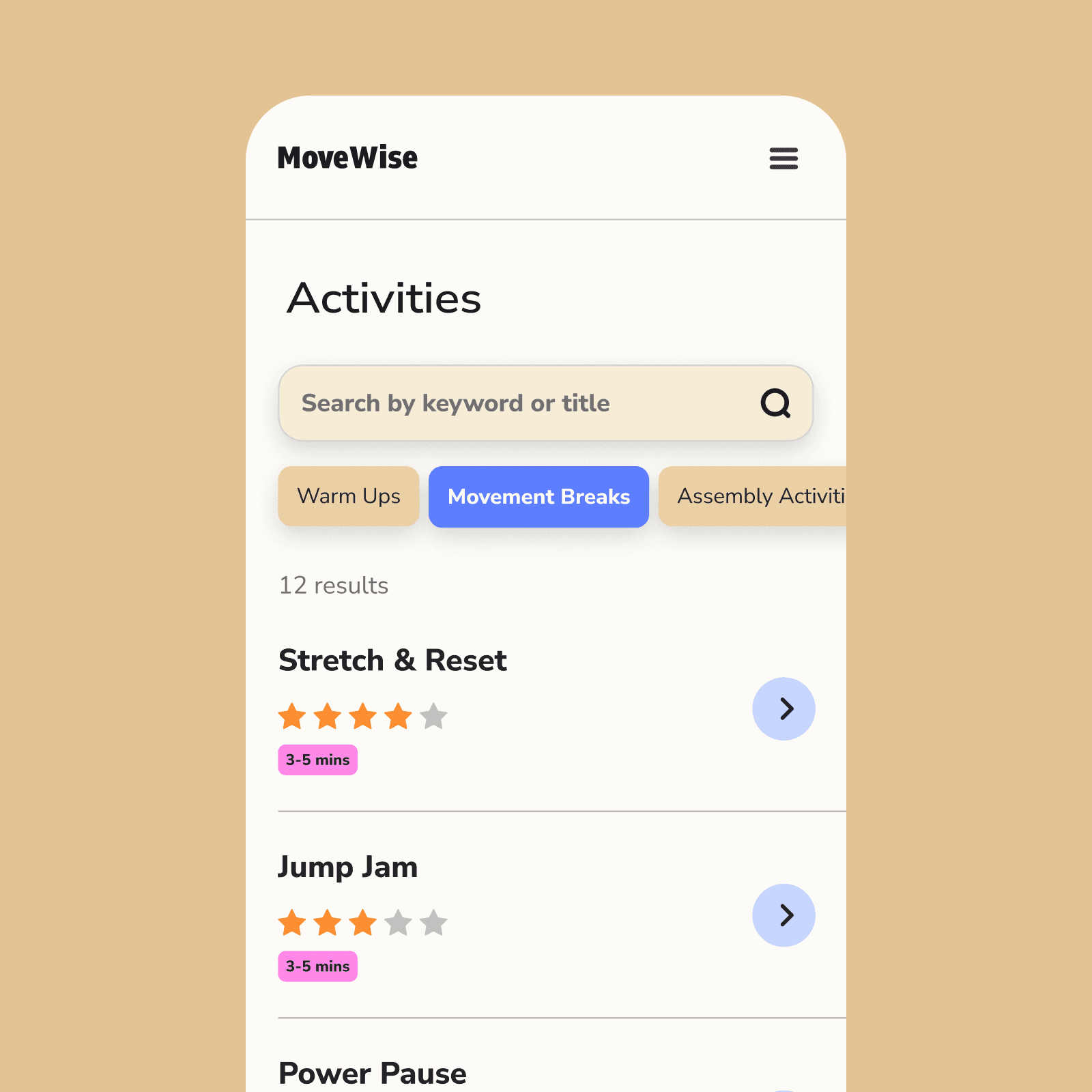
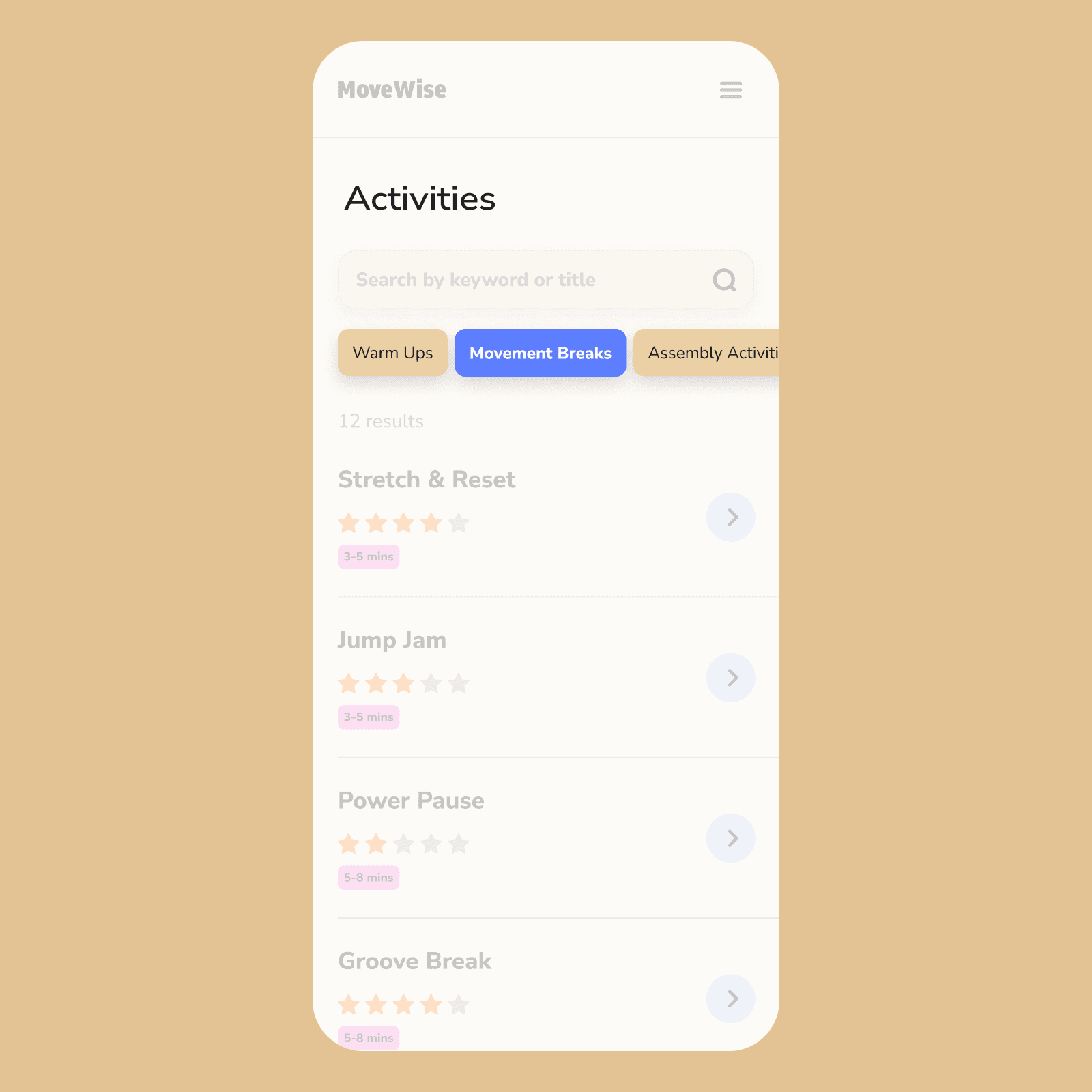
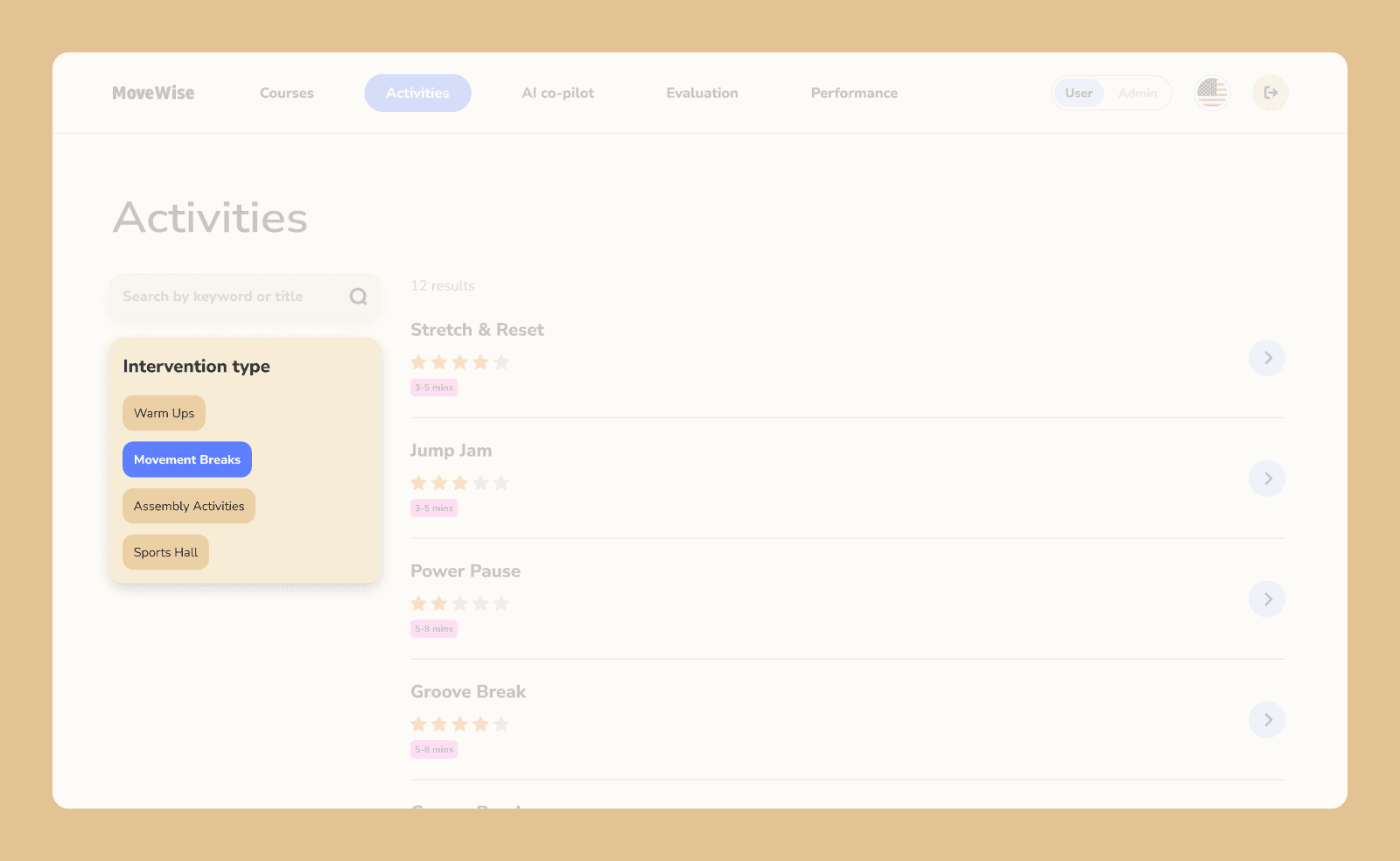
Simple filters
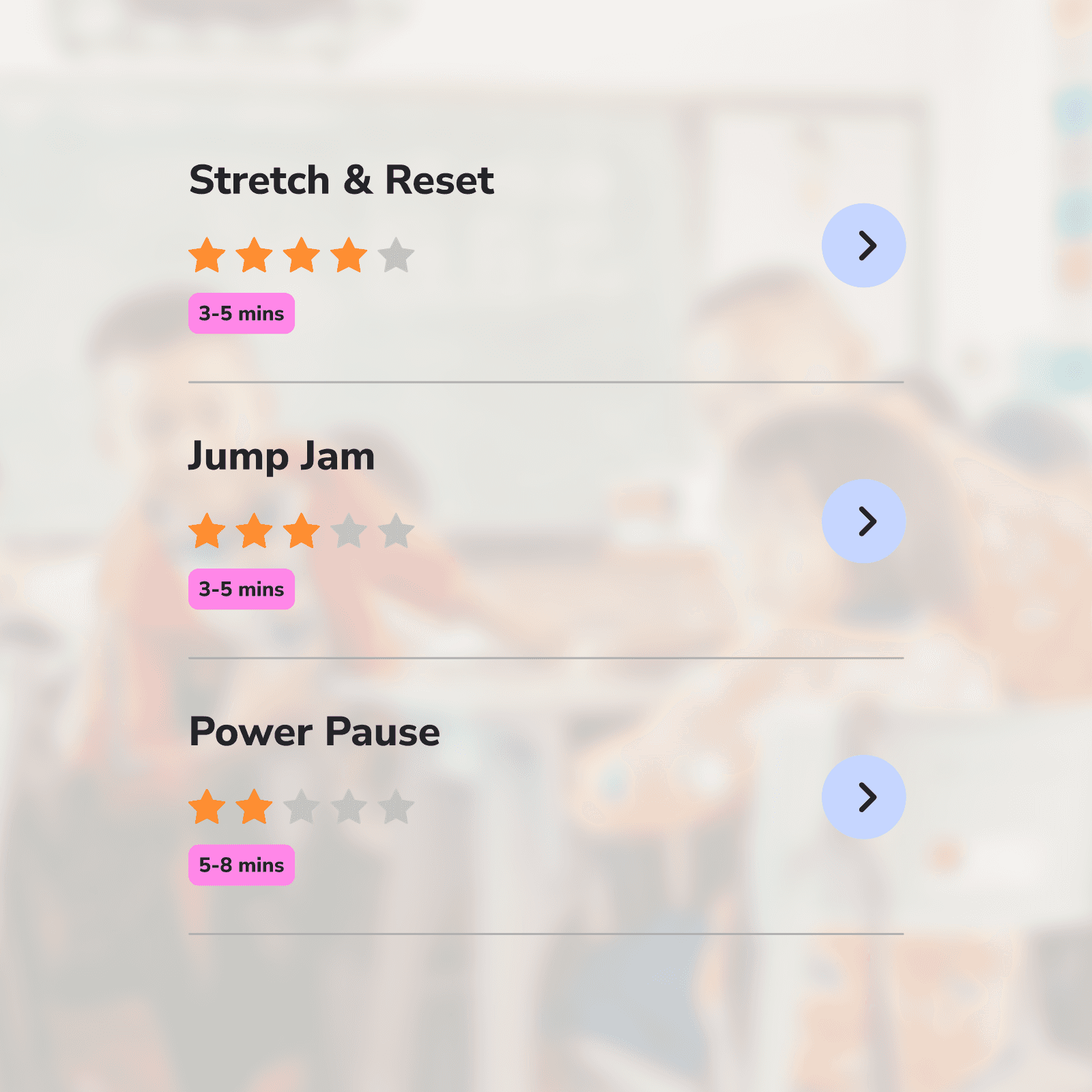
We reduced cognitive load by using a few easy-to-scan categories instead of endless filters. We made key information that affects teacher decision-making more visible, such as activity duration and ratings.
3/3
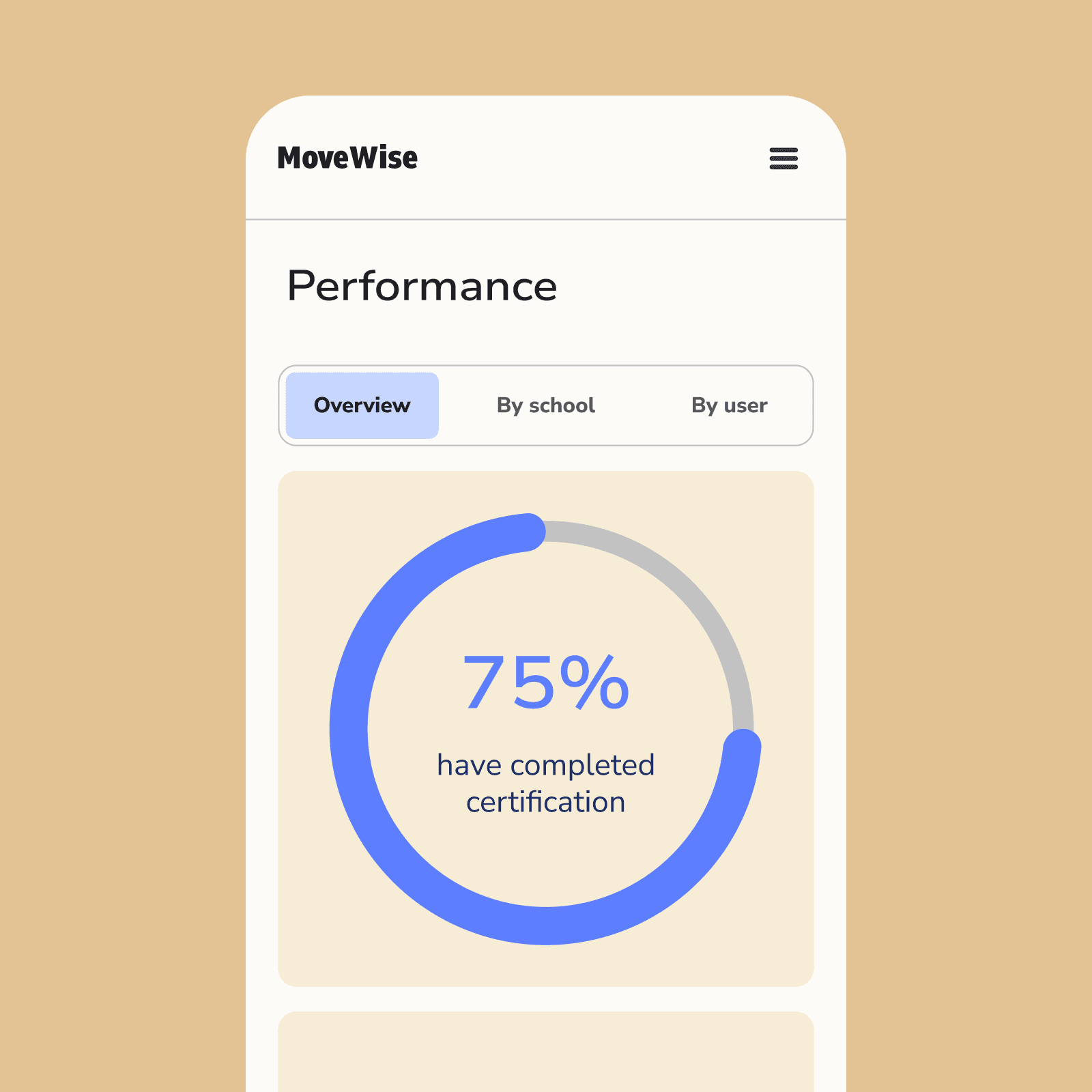
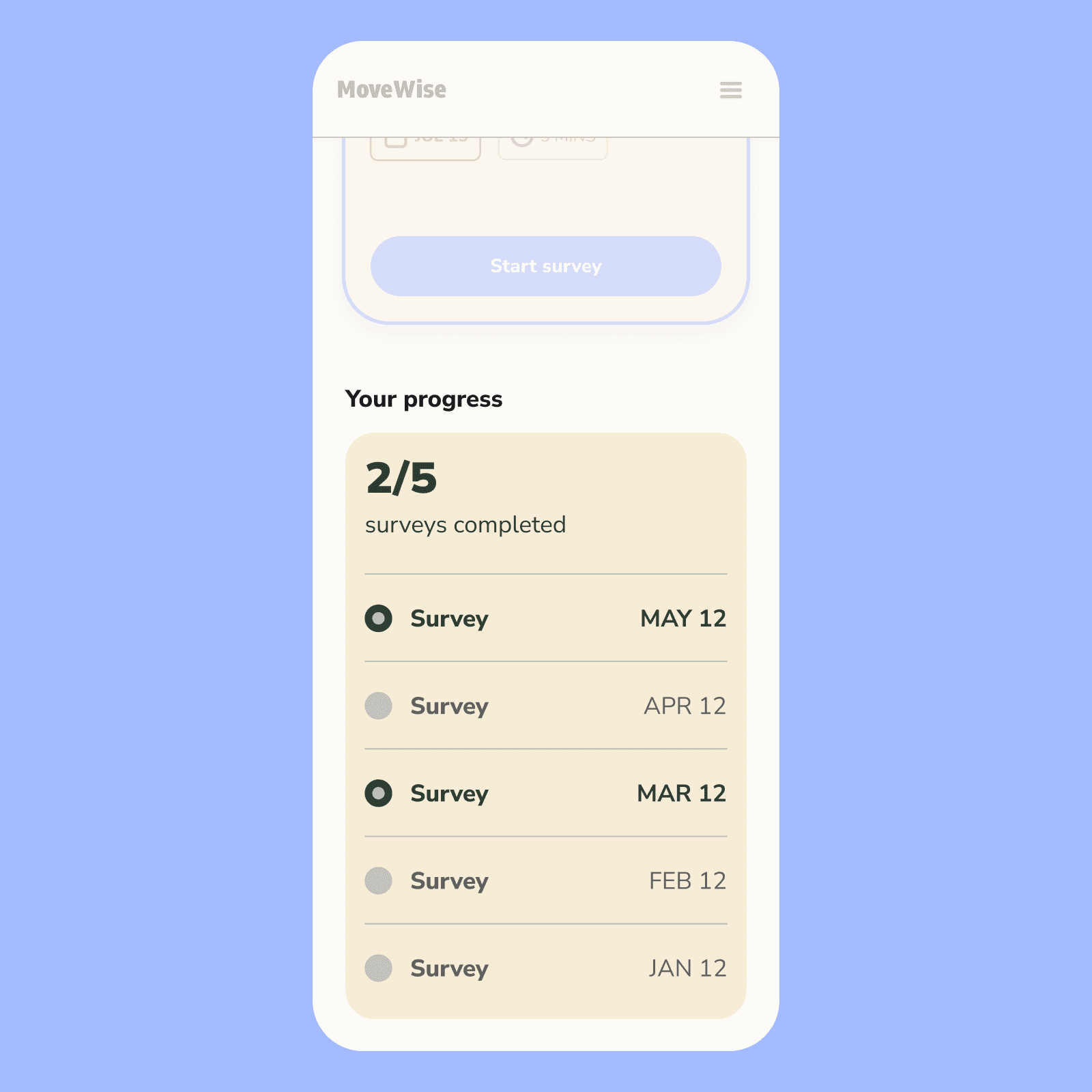
Progress tracker
To encourage participation in the program, we added visual indicators showing completion of program content, like surveys and courses.
Design System
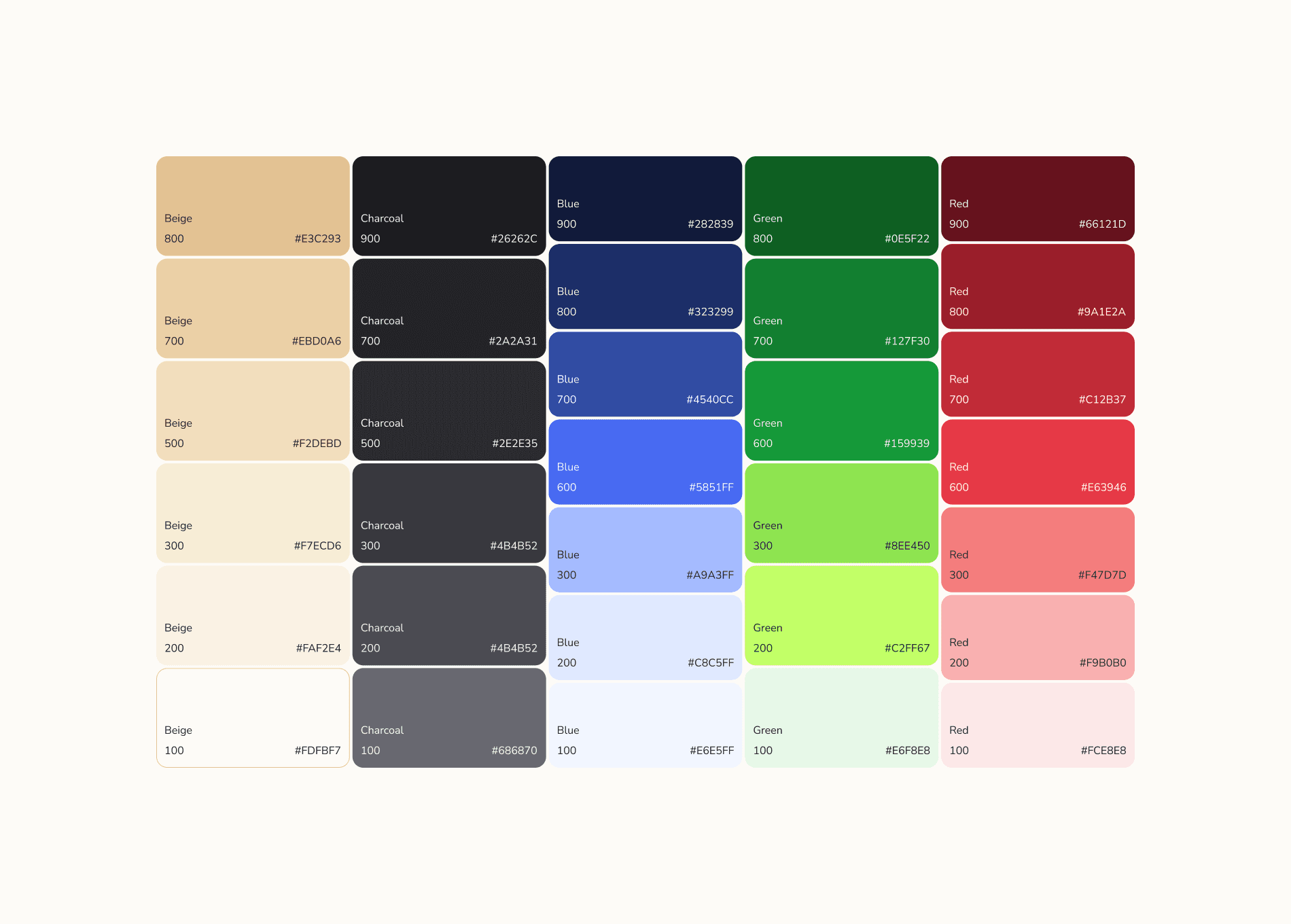
Designed to feel approachable and energetic
Teachers use boring B2B software every day. We wanted our experience to feel fresh and approachable instead.
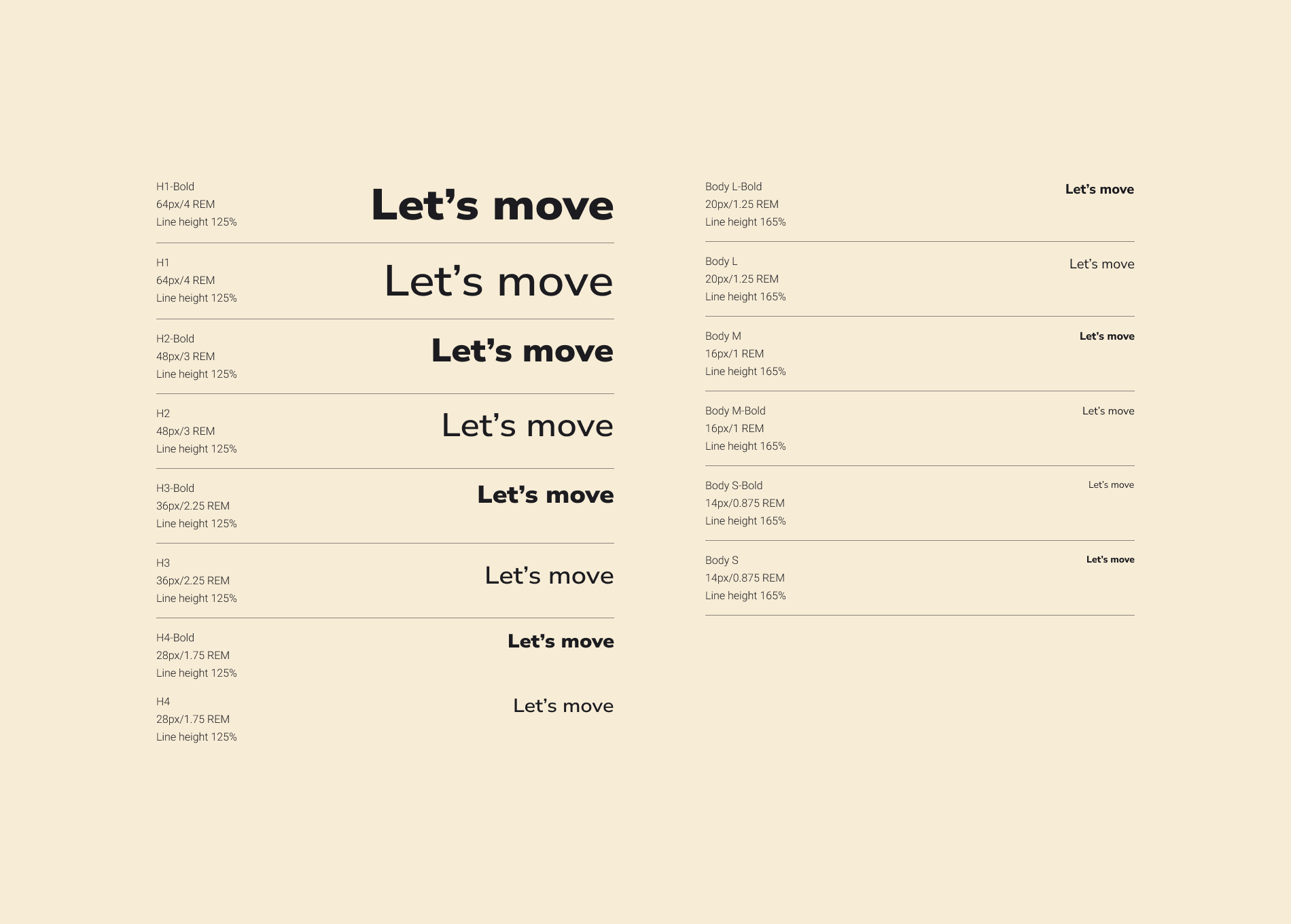
Nunito Sans is a humanist typeface, making it legible and friendly.

results
35% increase in average student activity
After rollout, schools using the platform saw a 35% increase in average student activity.